
Download Openvid – Free Chrome‑Based Video Training Tool
Overview
Openvid is a browser‑native video‑recording solution that lets anyone create short, high‑quality tutorials straight from Google Chrome. Built on the principle that “a picture is worth a thousand words,” Openvid captures your desktop, webcam, or a combination of both, and instantly uploads the clip to the cloud for easy sharing. Whether you’re preparing a sales pitch, a technical walkthrough, or a personal birthday greeting, Openvid eliminates the need to draft long emails or complicated PowerPoint decks.
The latest release streamlines the workflow: start the extension, select the recording area, hit record, and within seconds you have a ready‑to‑share video link. Because it lives inside Chrome, there’s no heavyweight installer, no separate runtime, and no licensing fees – the tool is completely free. This makes Openvid especially attractive for remote teams, educators, and small businesses that need a quick, secure way to convey visual instructions without investing in expensive screen‑capture suites.
The platform also respects privacy: recordings are stored on encrypted cloud storage and can be protected with password‑protected links or limited‑time access, ensuring that sensitive training material stays under control. In short, Openvid combines simplicity, accessibility, and collaboration in a single, free web app that turns everyday tasks into engaging visual content.
Key Features & Benefits
- Chrome‑Only Interface: No downloads or installations beyond a lightweight extension.
- Desktop + Webcam Capture: Record your screen and overlay a webcam feed for a personal touch.
- Instant Cloud Upload: Videos are saved to secure cloud storage the moment you stop recording.
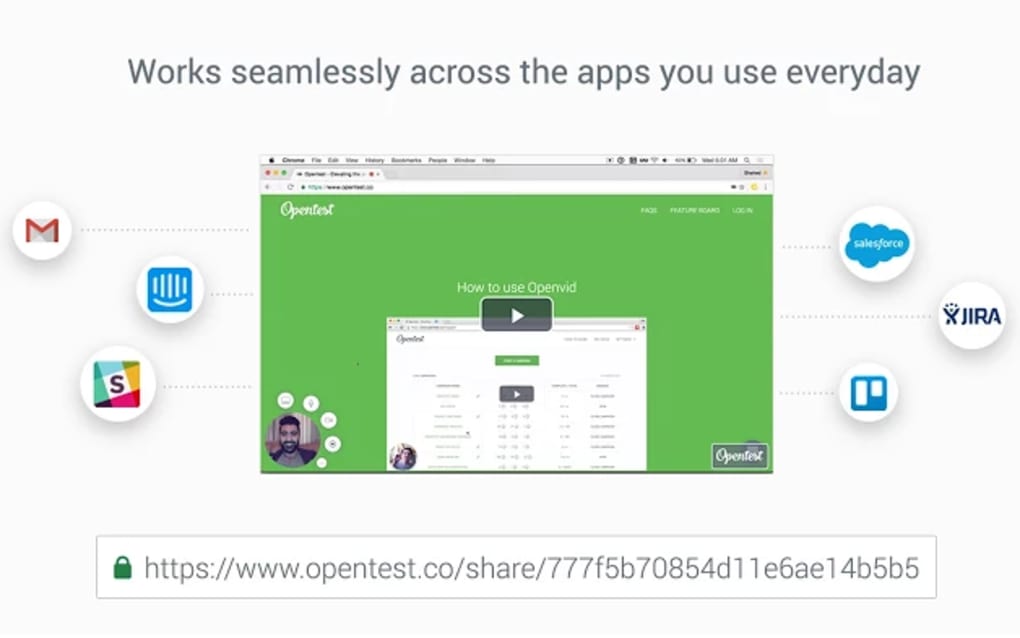
- Shareable Links: Generate a short URL that can be emailed, messaged, or embedded.
- Privacy Controls: Password protection, expiration dates, and view‑only permissions.
- Free & Unlimited Recording: No hidden fees, no time limits, and no watermarks.
- Cross‑Platform Compatibility: Works on any device that runs Chrome, including Windows, macOS, Linux, Android, and iOS.
- Simple Editing Tools: Trim the beginning or end of a clip directly in the browser.
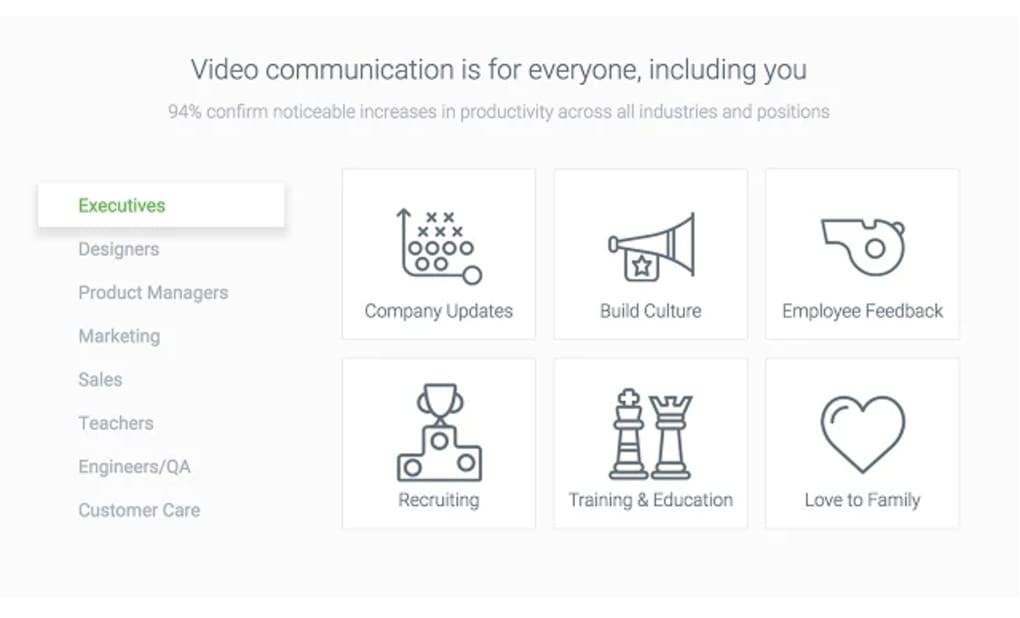
These features translate into tangible benefits for a wide range of users. Trainers can produce bite‑size lessons that learners can replay at their own pace, reducing the cognitive load associated with long‑form text instructions. Sales teams gain a dynamic way to demonstrate product features, increasing conversion rates compared to static PDFs.
IT support staff can quickly capture error‑reproduction steps, cutting down ticket resolution times. Even families can create heartfelt video messages without learning complex editing software. Because the entire workflow stays inside Chrome, you avoid the typical performance hit of native screen‑capture apps, and you can start a recording with just a few clicks.
Moreover, the free model eliminates budget constraints, making Openvid an ideal choice for startups and educational institutions alike.
Installation, Usage & Compatibility
How to Install Openvid
Installing Openvid is as easy as visiting the Chrome Web Store, searching for “Openvid,” and clicking “Add to Chrome.” The extension adds a small icon to your toolbar, ready to launch the recording interface in seconds. No additional software or administrator rights are required, which means you can deploy it on corporate machines that restrict installations. After adding the extension, you’ll be prompted to create a free account; this step is optional but recommended for cloud storage and link management.
Step‑by‑Step Recording Guide
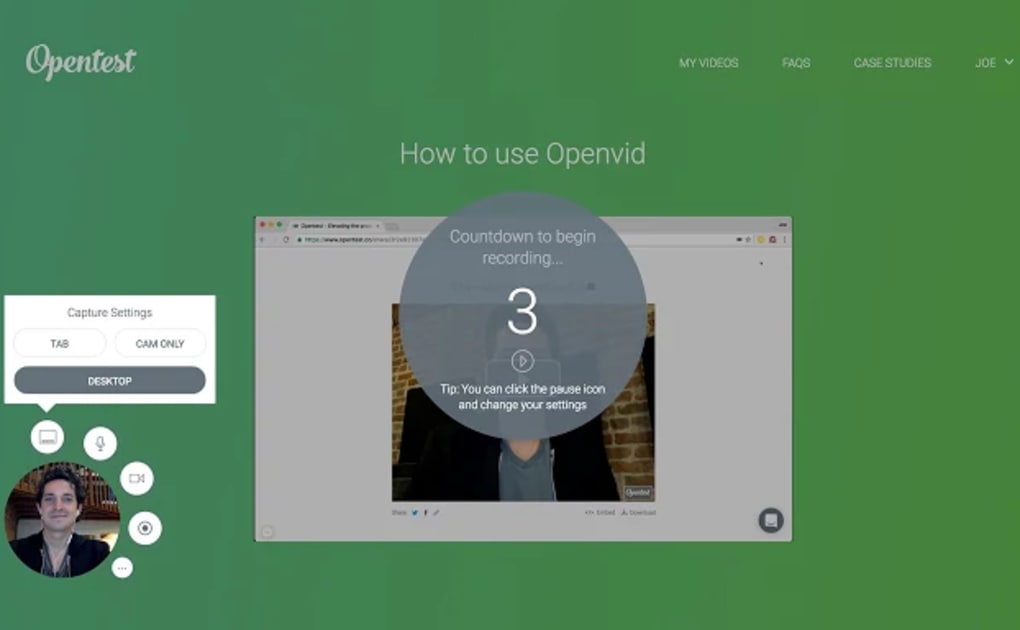
- Click the Openvid icon in the Chrome toolbar.
- Select “Screen” to choose a full‑desktop view or a specific application window.
- Toggle the webcam option if you want a picture‑in‑picture overlay.
- Press the red “Record” button to start capturing.
- When finished, click “Stop.” The video uploads automatically.
- Copy the generated shareable link or set privacy options before sending.
Supported Operating Systems
Because Openvid runs inside Google Chrome, it is compatible with any operating system that supports the browser. This includes:
- Windows 10, 11 and later
- macOS Ventura, Monterey and earlier versions that still receive Chrome updates
- Linux distributions (Ubuntu, Fedora, Debian, etc.)
- Android devices with Chrome 90+ (screen‑recording limited to tab content)
- iOS devices using Chrome (recording limited to the browser view only)
The flexibility of a web‑based tool ensures that teams working across different platforms can collaborate without worrying about version mismatches. Performance is largely dependent on the host machine’s GPU and CPU, but most modern computers handle 1080p recordings smoothly. For larger enterprises, Openvid also offers a self‑hosted option on request, giving IT departments full control over data residency and compliance.
Pros, Cons & Frequently Asked Questions
Pros
- Completely free with no hidden costs.
- Runs in Chrome – no heavy installers.
- Instant cloud storage and shareable links.
- Webcam overlay adds a personal touch.
- Strong privacy controls (passwords, expiration).
- Cross‑platform support for Windows, macOS, Linux, Android, iOS.
Cons
- Recording limited to Chrome tab or screen; no native desktop app.
- Advanced editing features (transitions, captions) are not included.
- Android/iOS versions can only capture the browser view, not full device screen.
FAQ
Is Openvid really free for commercial use?
Yes, Openvid offers a completely free tier that includes unlimited recordings, cloud storage, and sharing. There is an optional paid plan for enterprises that need additional admin controls and dedicated storage.
Can I record audio from my microphone?
Absolutely. Openvid captures system audio and microphone input simultaneously, so you can narrate your tutorial while demonstrating on screen.
How secure is the cloud storage?
Videos are stored on encrypted servers using TLS 1.2. You can add password protection and set an expiration date for each link, ensuring that only intended recipients can view the content.
Do I need a Google account to use Openvid?
A Google account is not mandatory, but signing in makes it easier to manage your recordings, access them from any device, and benefit from cloud sync.
Can I edit the video after recording?
Openvid includes basic trimming tools that let you cut the beginning or end of a clip. For advanced editing, you’ll need to download the file and use a dedicated video editor.
Our hands‑on testing shows that Openvid delivers on its promise of quick, hassle‑free video creation. The Chrome‑only approach keeps the footprint minimal, and the free tier is generous enough for most small‑to‑medium teams. While power users may miss advanced editing, the core functionality—screen capture, webcam overlay, and instant sharing—works flawlessly across platforms.
Conclusion & Call to Action
Openvid stands out in a crowded market of screen‑recording tools by stripping away complexity and focusing on what matters: fast, secure, and shareable video tutorials. Its free, Chrome‑based architecture makes it instantly accessible to anyone with a browser, while the cloud‑first workflow eliminates the hassle of manual file transfers. Whether you’re a trainer looking to build an onboarding library, a sales professional wanting to demo a product in real time, or simply a family member eager to send a personalized video greeting, Openvid provides a reliable, low‑cost solution. Because the software updates automatically through the Chrome Web Store, you’ll always have the latest features without lifting a finger.
Ready to turn your knowledge into visual content? Download Openvid now and start creating professional‑grade tutorials in minutes. Experience the convenience of a free, secure, and cross‑platform video tool that puts the power of visual communication at your fingertips.







